
Managing Services and Categories
Managing Services
The "Services" module allows you to create and organize the services you offer at your clinic.
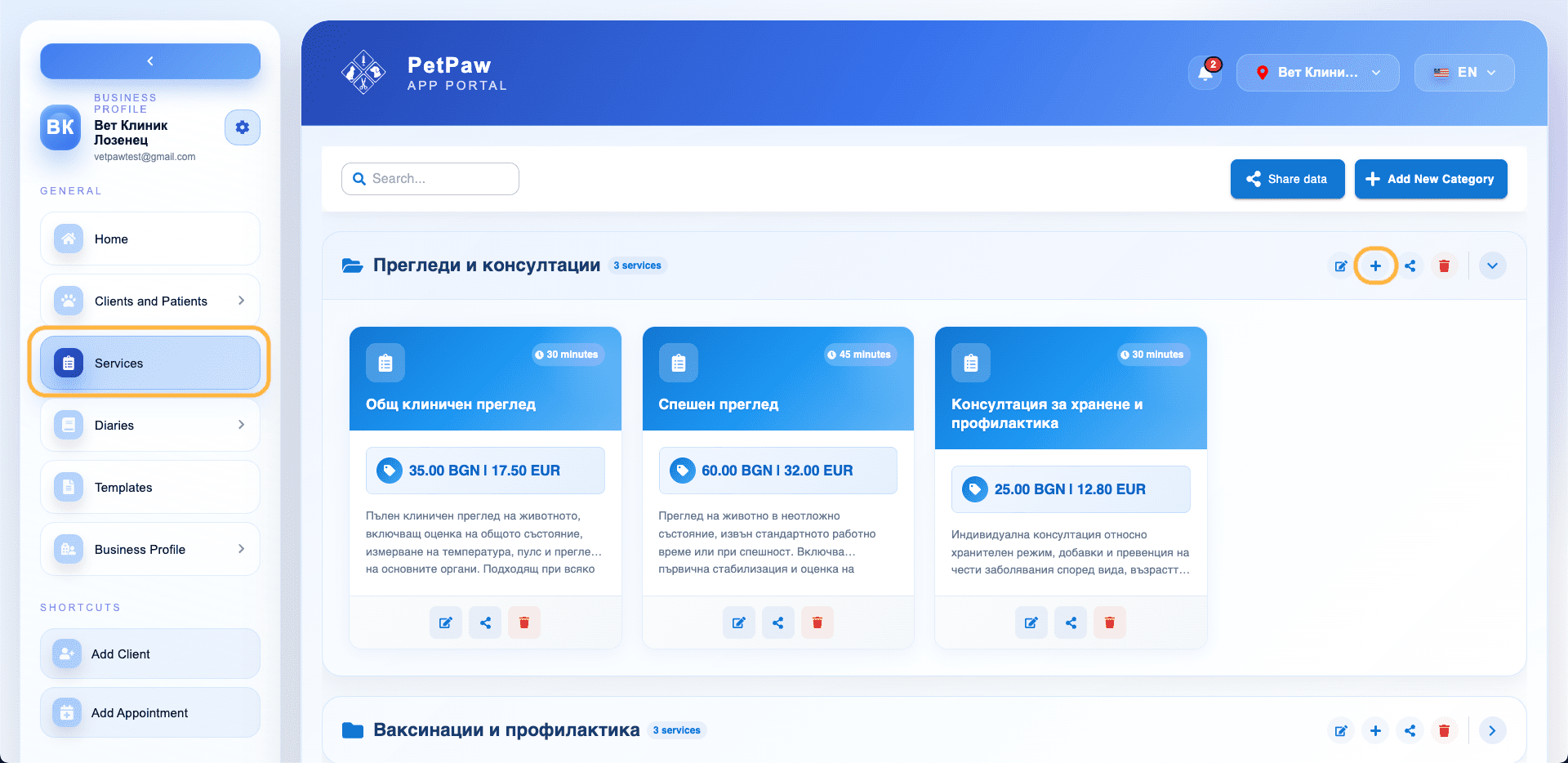
Here you can:
- Create categories
- Add new services
- Set prices and duration
- Share services between locations
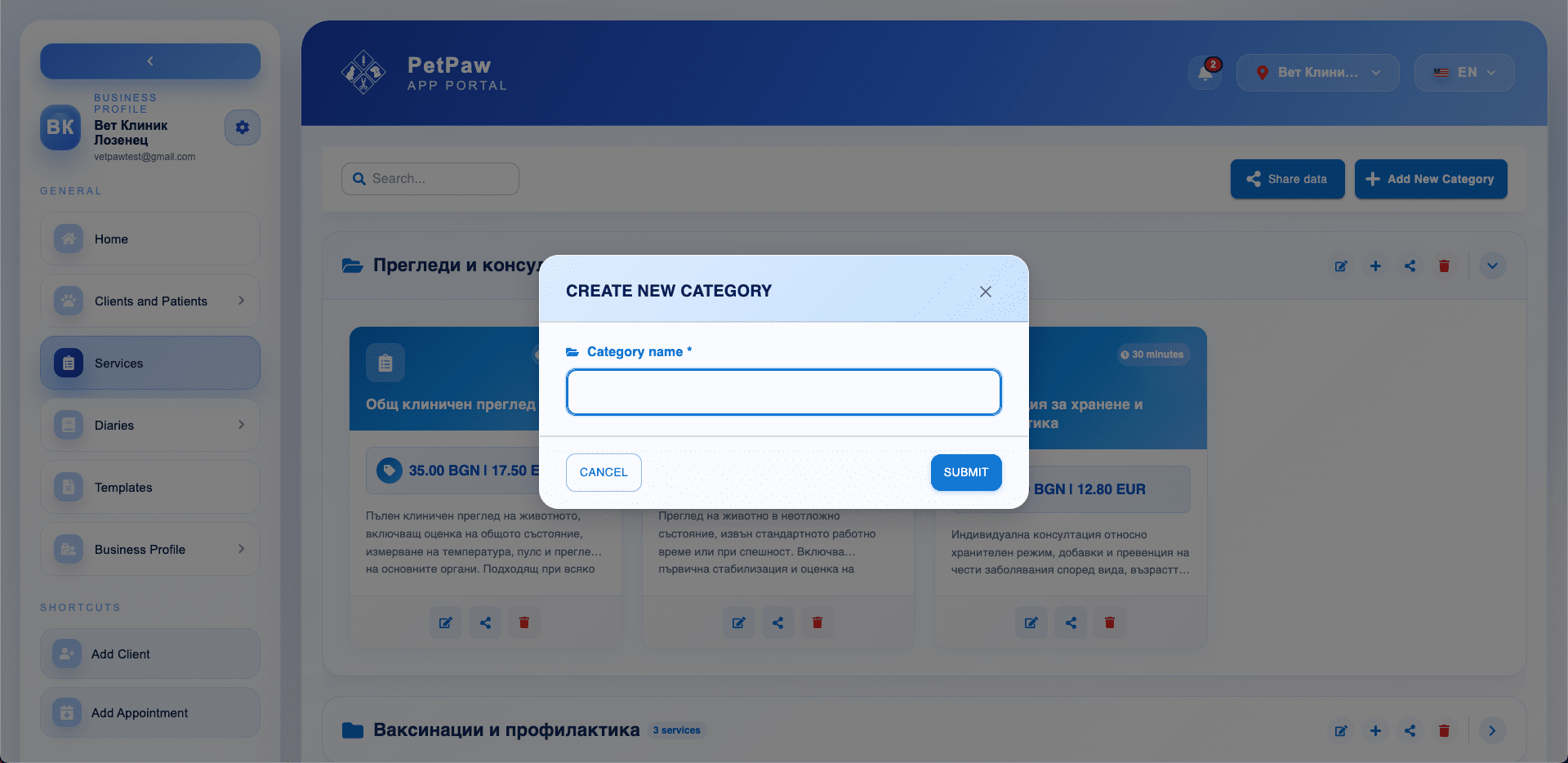
Adding a New Category
Categories help you group services (e.g., Examinations, Vaccinations, Surgery).
How to Add a Category
- Open the Services menu
- Click "Add new category"
- Enter the category name
- Click Save
Adding a New Service
To create a service:
- Open the desired category
- Click the + button
- Fill in the information
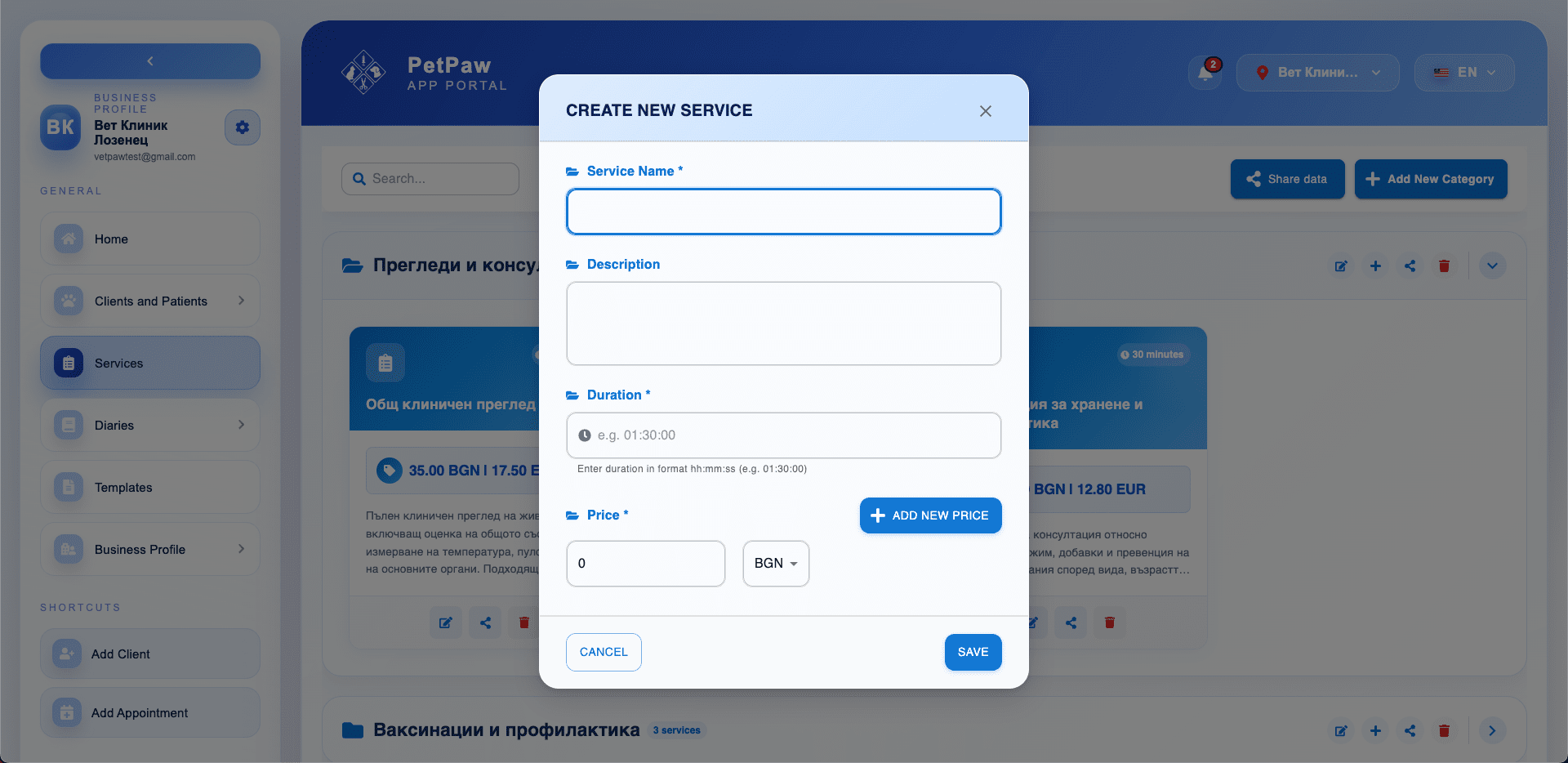
Main Fields
- Service name
- Description (optional)
- Duration (e.g., 00:30:00)
- Price
- Currency
You can add more than one price using "Add new price".
Managing Services
From the list, you can:
- Edit a service
- Share
- Delete
Sharing Services Between Locations
Use the "Share data" button to make services available in other business locations.
When sharing:
- Services are not copied but become accessible to selected locations
- Changes may be visible in more than one location
Tips
- Use categories for easier organization.
- Add accurate duration — it's used when scheduling appointments.
- Keep prices up to date for accurate billing.