
Creating an Account
How to Create a PetPaw Account
Follow these steps for quick registration in the PetPaw system.
Step 1: Visit the Registration Page
Open app.petpaw.app and click the "Sign Up" button.
Step 2: Enter Your Information
Fill in the form with the following information:
- Email address
- Password (minimum 8 characters)
- Repeat the Password
- Agree to the terms of service
Step 3: Confirm Your Email
You will receive an email with a confirmation link. Click on it to activate your account.
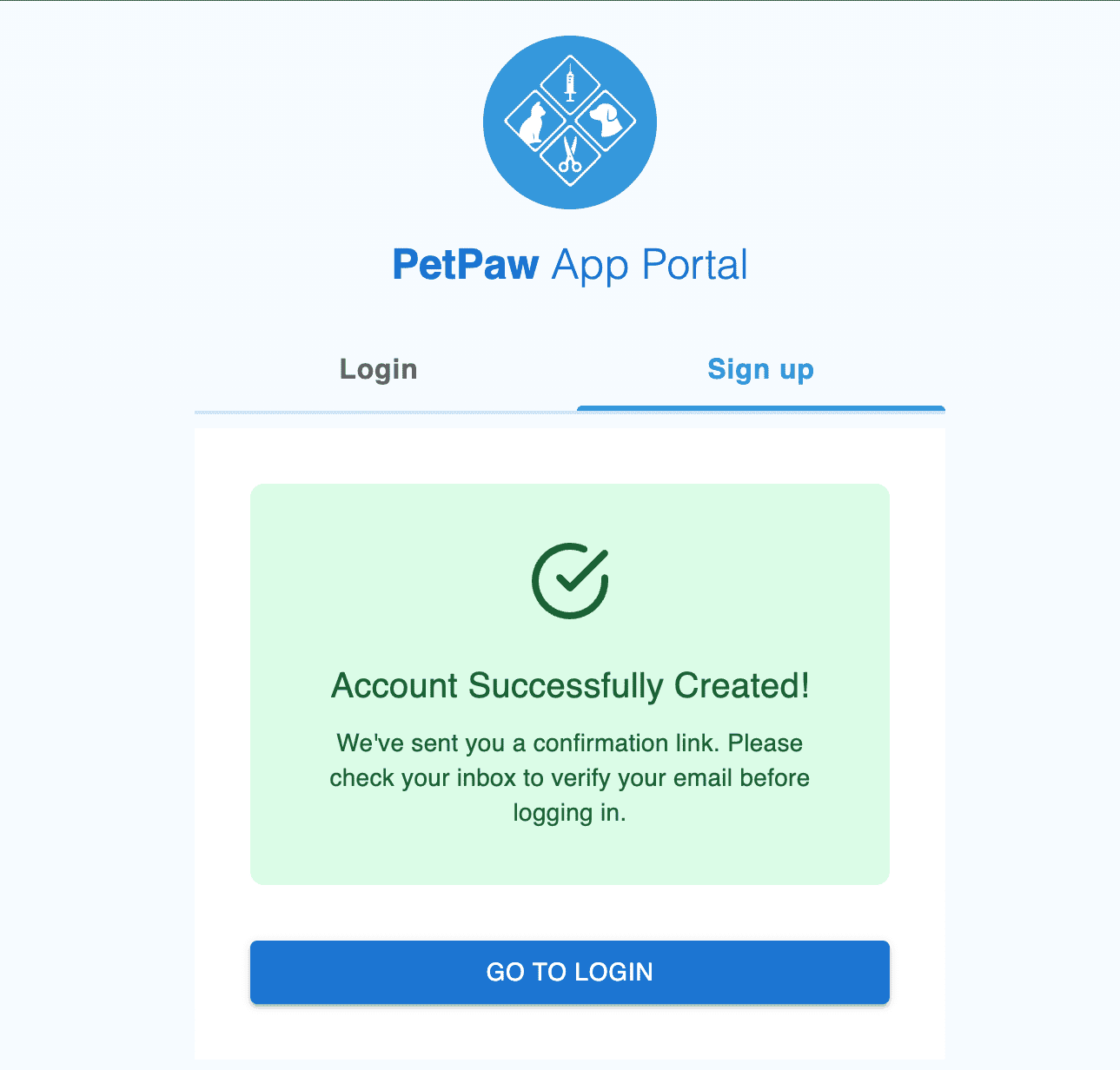
Check your Spam folder if you don't receive the email within 5 minutes.