
Clinic Setup
Initial Clinic Setup
When you first log in to the PetPaw App Portal, you need to enter basic information about your business. This setup is completed in two consecutive steps.
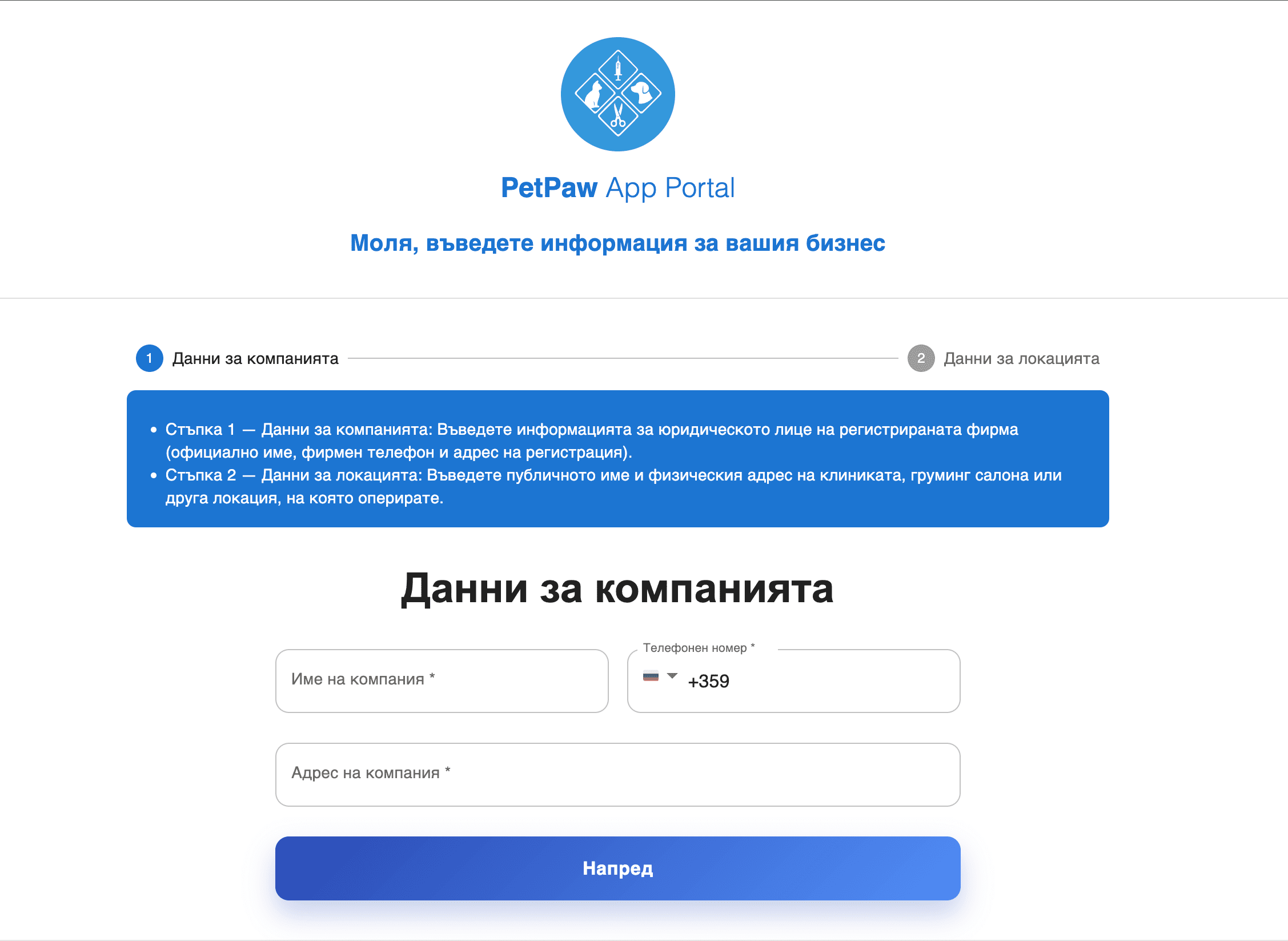
Step 1 — Company Details
In this step, you enter the official details of your legal entity.
Fill in the following information:
- Company name (official business name)
- Contact phone number
- Company registration address
This data is used for:
- administrative identification
- client communication
- system settings and documents
After entering the information, click the "Next" button to continue.
Step 2 — Location Details
In this step, you enter information about the physical location where you operate.
Here you need to add:
- Public clinic name (the name your clients will see)
- Physical address of the location
If you have more than one location, additional locations can be added later from the settings.
Important
Company and location data are different — the first is legal information, while the second is public-facing for your clients.
- Make sure the phone number and address are entered correctly.
- Some information can be edited later from the settings.